2D Forge
A downloadable game for Windows
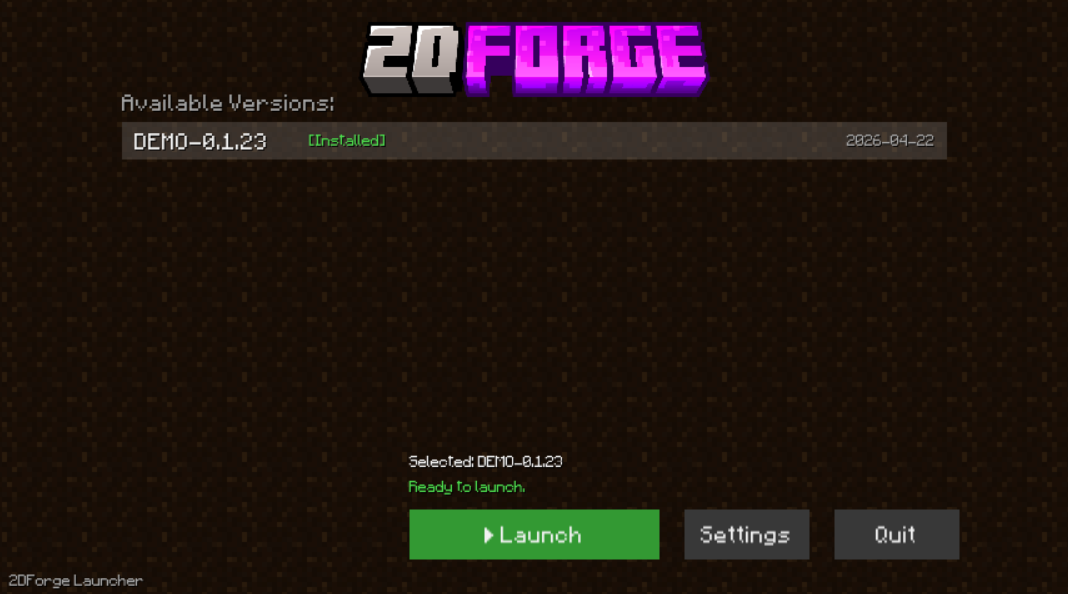
Download the Launcher (v1.2.1) This project is distributed through a custom launcher that automatically handles everything for you. The launcher fetches all available versions directly from GitHub, keeps them up to date, and lets you launch any version instantly. No manual installation, no file management—just download, select a version, and play.
About the Game
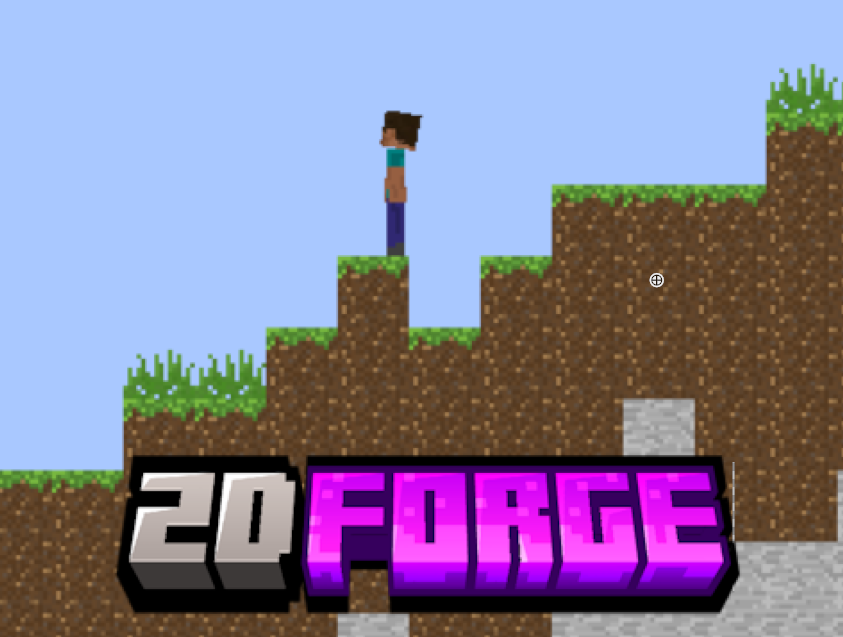
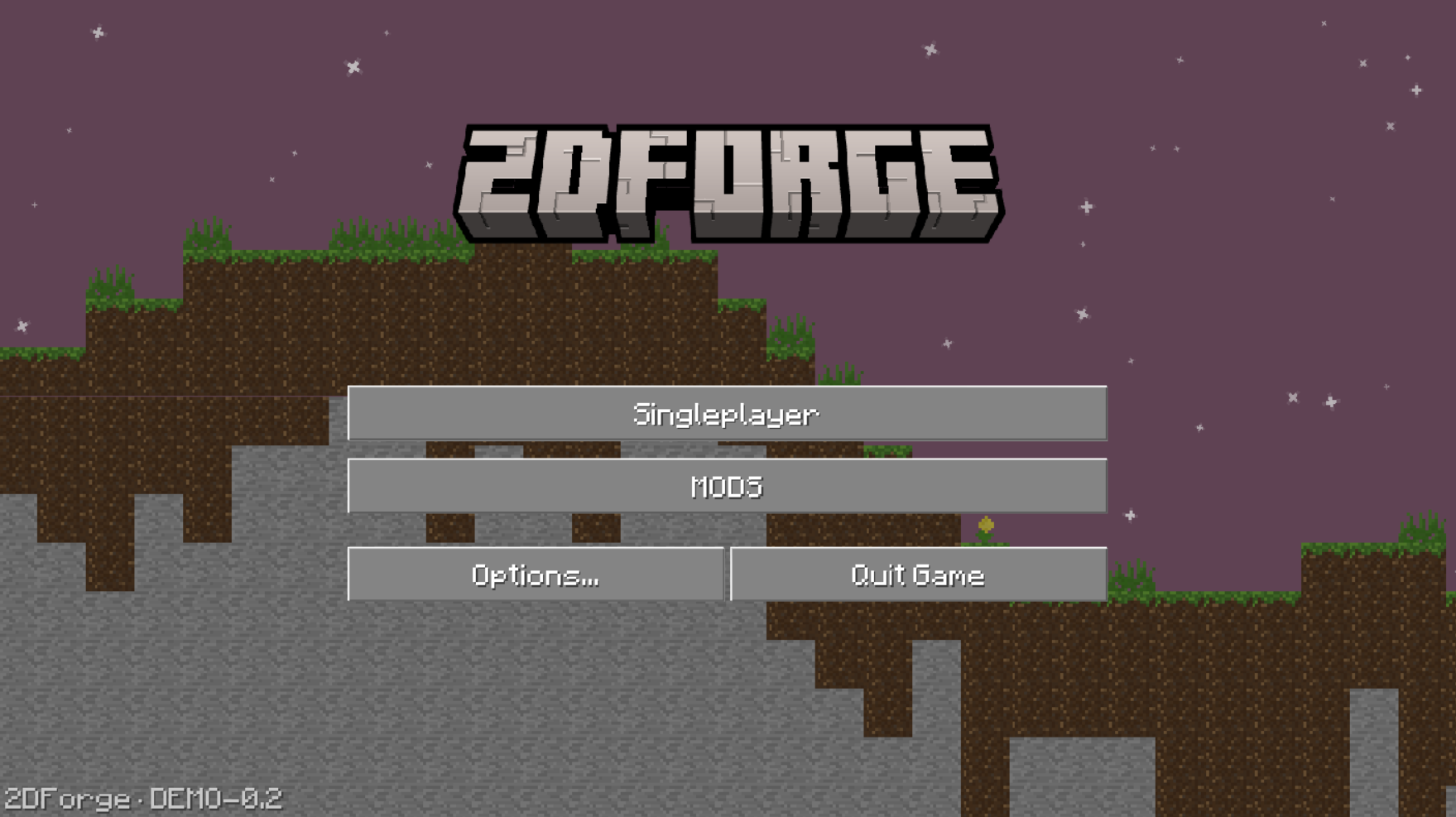
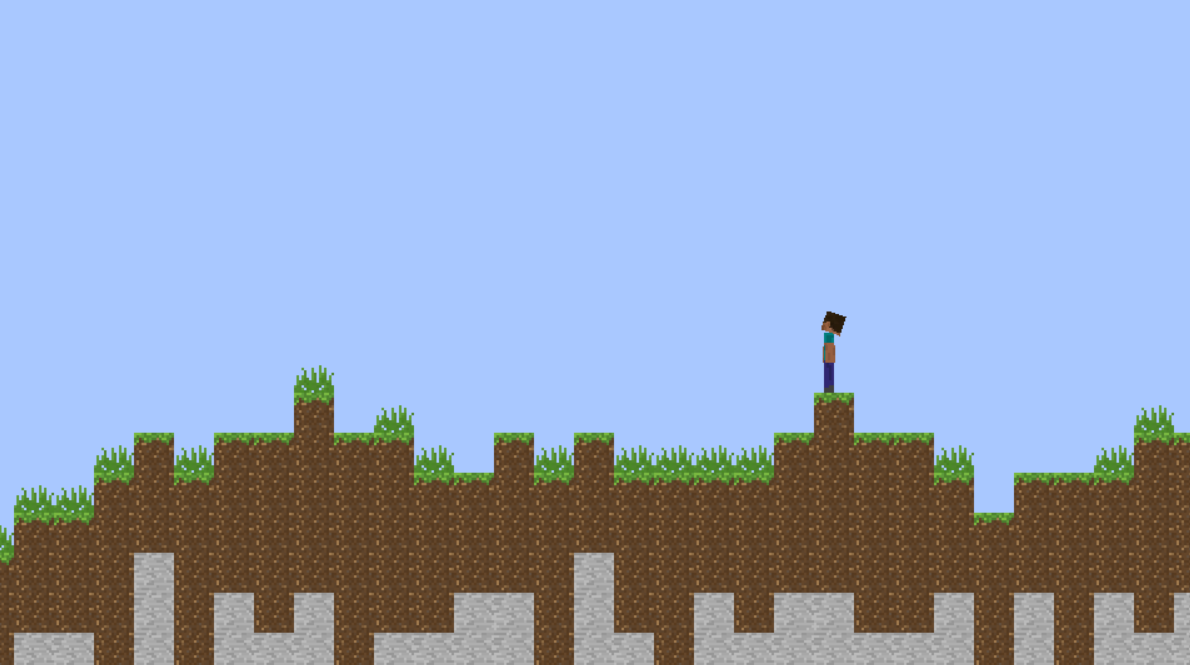
This project is a 2D sandbox engine inspired by Minecraft, focused on flexibility, smooth gameplay systems, and modular design.
At its core, the game combines:
- A block-based world system with precise coordinate handling
- A custom physics and collision engine (AABB resolution with tile snapping)
- A fully dynamic animation system using bone-based interpolation
- A day/night cycle with smooth lighting transitions
- A modular asset and resource pack system
Everything is designed to be extensible, configurable, and developer-friendly, making it suitable both as a playable prototype and as a foundation for more advanced projects.
The game is also designed with modding in mind, offering a simple but powerful structure for extending content. The texture and asset system is modular, allowing custom resource packs and visual modifications without modifying the core engine.
Key Features
Advanced Animation System
- Bone-based animations with interpolation
- Smooth transitions using easing functions
- Direction-aware rendering with automatic flipping
- Runtime animation playback control
Dynamic World Interaction
- Block targeting via raycasting
- Progressive block breaking system
- Tool-based interaction timing
- Grid-based world with precise coordinate conversions
Player Controller
- Smooth acceleration and deceleration
- Sprint, sneak, and jump mechanics
- Jump buffering for responsive controls
- Mouse-driven head tracking
Camera System
- Multiple modes:
- Fixed
- Strict follow
- Deadzone-based follow (Mario-style)
- Optional smoothing
- World bounds clamping
Day/Night Cycle
- Continuous time progression
- Interpolated sky colors
- Light intensity based on sun position
Modular Architecture
- Resource packs for assets and animations
- Fully modular and replaceable texture system
- Designed for simple and powerful modding
- Lazy-loaded animation libraries
- Clean separation between engine systems
Launcher Features
The launcher is a core part of the experience:
- Automatically retrieves all available versions from GitHub
- Downloads game versions directly from GitHub
- Launch any version instantly
- Easily test older or experimental builds
- Keeps everything organized in one place
Important note: The launcher performs network requests and downloads from GitHub. Some strict antivirus software may block these operations. This only affects version loading and downloading inside the launcher and has no impact on the game once it is launched.
Controls
- Move: Arrow keys / WASD / ZQSD
- Jump: Space
- Sprint: Ctrl
- Sneak: Shift
- Mouse: Interact with blocks
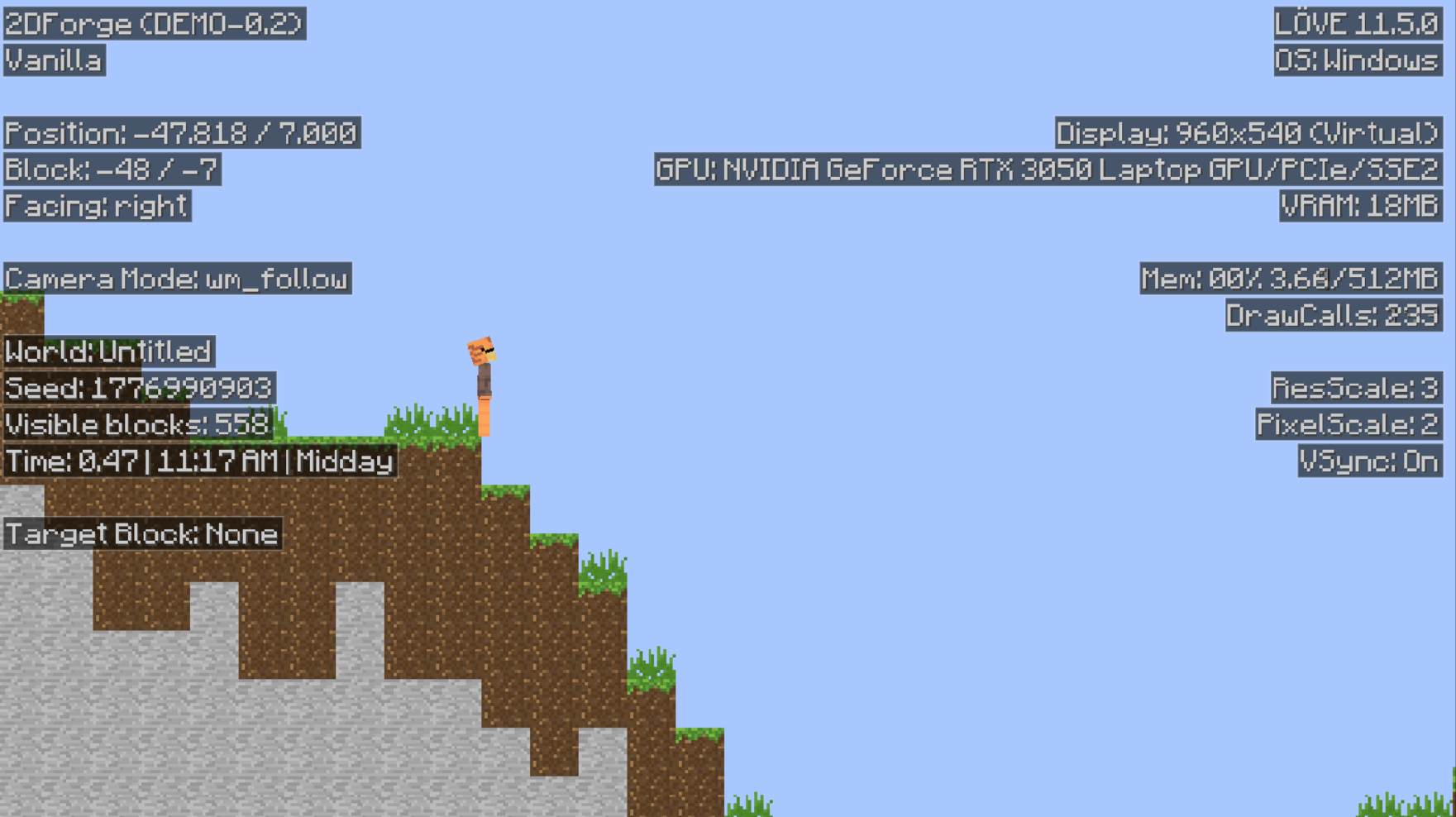
- F3: toggle debug menu
Project Status
This project is actively evolving. Systems are continuously improved, and new features are regularly added through version updates available in the launcher.
Notes
- This is both a playable prototype and a technical sandbox
- Designed with extensibility, performance, and experimentation in mind
- Suitable for developers interested in engine design and modding systems
Download the launcher, explore different versions, and follow the evolution of the project over time.
------------------
Download
Download the launcher from the provided file on this page. Once downloaded, extract the archive and run the "2DForgeLauncher.exe".
Installation / Setup
No manual installation is required.
The launcher will automatically:
- Connect to GitHub to retrieve the list of available versions
- Keep versions organized locally on your device
Simply choose a version from the launcher interface and press "Download".
Running the Game
- Open the launcher
- Wait for it to fetch available versions from GitHub
- Select the version you want to play
- Click “Launch”
The game will start automatically once the selected version has been downloaded.
Requirements
- Internet connection (required only for downloading and updating versions via the launcher)
- Windows / compatible system supporting the launcher
- No additional libraries or dependencies are required for the game itself
Important Notes
- The launcher performs network requests to GitHub to retrieve and download game versions
- Some antivirus software may incorrectly flag or block this behavior
- This only affects the launcher during download or version selection
- It does not affect the game once it is launched
- Once the game is running, it does not require any internet connection
Libraries / Dependencies
No external libraries or programs need to be installed manually. Everything required is bundled or handled automatically by the launcher.
Download
Click download now to get access to the following files:
Leave a comment
Log in with itch.io to leave a comment.